









“One frustration we have with other tools is that you see the numbers and that's it. With UXCam, you see the numbers and you can take it a step further and dive deep into the reasons.”

Daniel TomlinsonCosta Coffee

Funnel analytics
You’re losing revenue at the step where users leave. Our product analyst builds the funnel and explains why.

Product tour
See drop-offs
Web tools miss gestures, lose device details, and leave crashes unexplained.
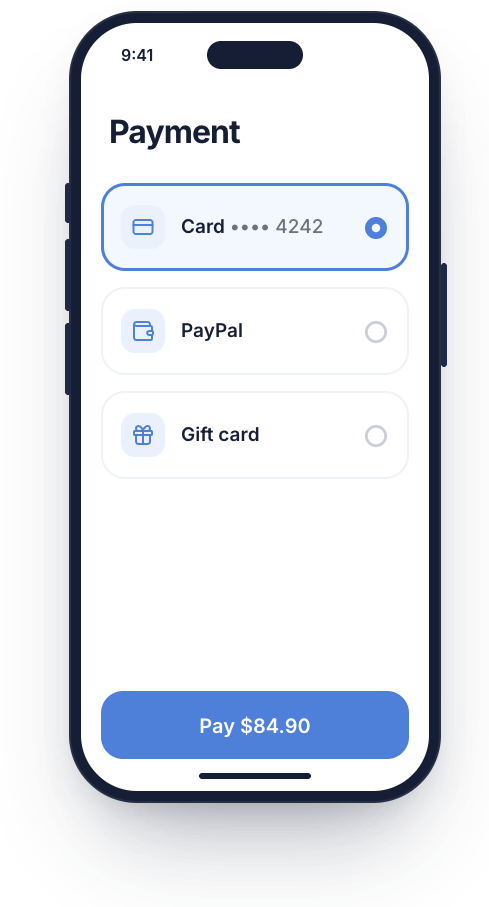
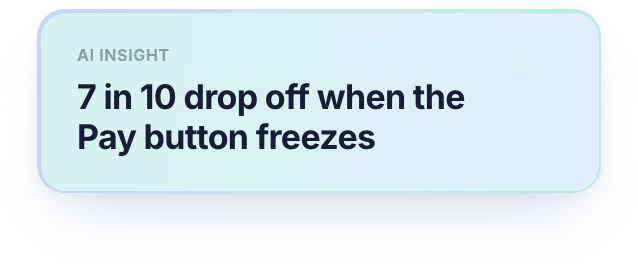
 Capture every tap, swipe, and scrollLog device, OS and network on every dropTie crashes and freezes to the exact step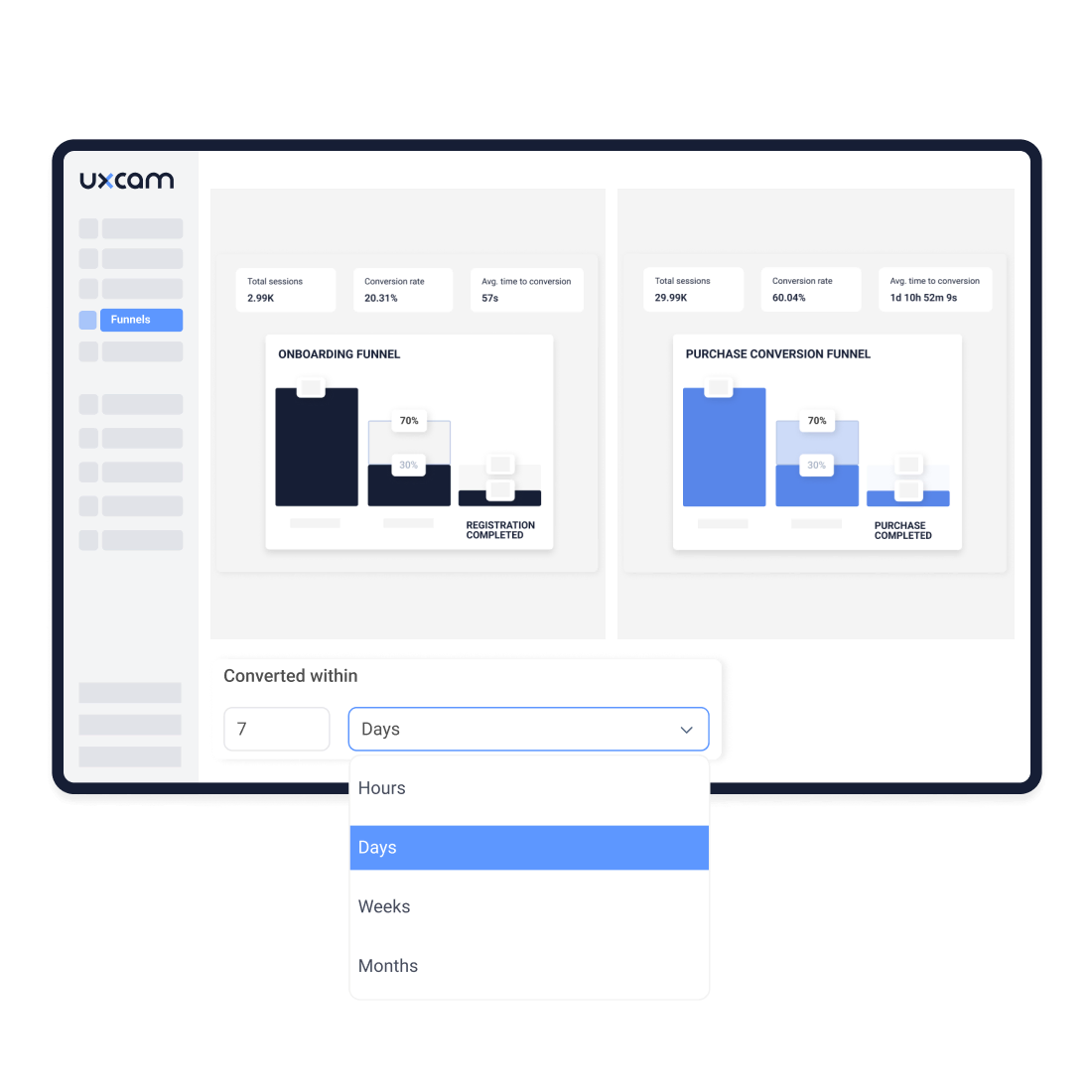
Review sessions
A funnel shows you where people leave. The replay shows you what happened, so you know what to fix.
Jump from any drop-off straight into the replays behind itStart each replay at the moment the user left, not at the start of the sessionFind out which users went back, quit, or tried again
Compare segments
Find out whether a drop-off hits everyone or only some users.
See if iOS users drop off at a different step than Android usersCompare drop-offs across countriesSpot whether a new release changed where users drop off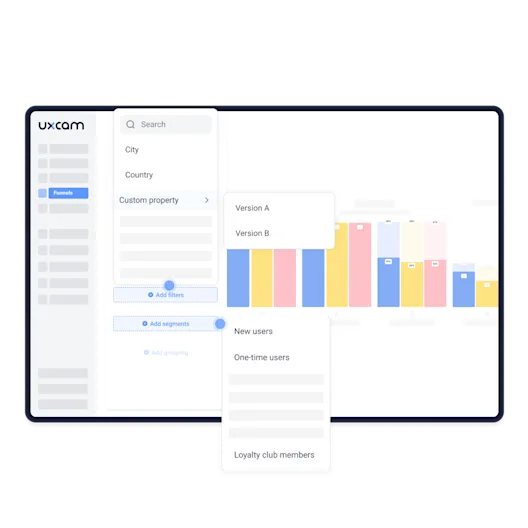
Capture automatically
UXCam records every screen and tap automatically, so you can build a funnel from the screens users already visit.
Build a funnel from screens users already visit, with no tagging needed to startRun it on sessions already recordedAdd custom events only for outcomes like purchases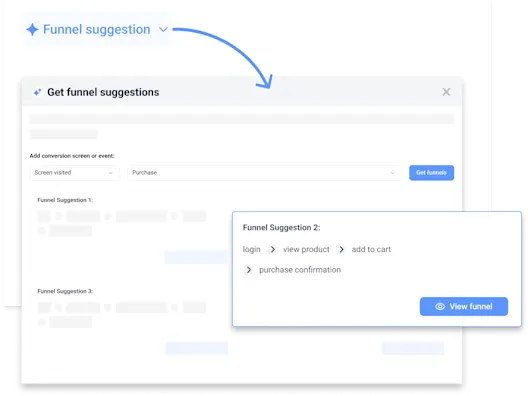
At UXCam, we built privacy into our services so you can improve the user experience with peace of mind. With our privacy features, you can blur and mask:
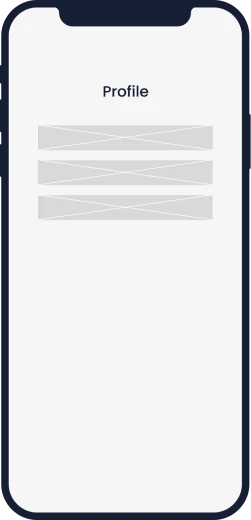
when you need to hide a specific section of your screen.
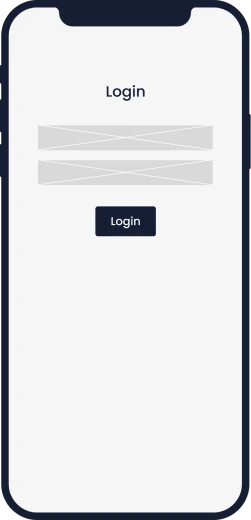
when you only collect PII data with text fields.

when you need to hide the whole screen.


We strictly adhere to a non-recording policy of any PII (Personally Identifiable Information) and provide API methods to hide PII and sensitive information.
Learn more about our privacy featuresMeet with an expert to discuss your app, website, and goals.
Start capturing data instantly.
Try all features before you commit on a plan.
“One frustration we have with other tools is that you see the numbers and that's it. With UXCam, you see the numbers and you can take it a step further and dive deep into the reasons.”

UXCam's lightweight SDK keeps your apps and websites fast. In apps, recording runs on a background thread and data uploads when the app goes into the background. On the web, the script loads asynchronously, so it never holds up your pages.

Our legally compliant architecture keeps your data safe. We automatically block sensitive fields and provide you with the right tools to prevent sensitive data from ever leaving your user's device.

You can seamlessly integrate your existing analytics tools with UXCam. This allows you to build the perfect analytics stack for understanding user behavior by connecting the right set of solutions.





Academy

 9 lessons
 29min
29min Certificate
Learn UXCam in short video lessons: your daily check-in, Tara, replays, heatmaps, dashboards, events and the UXCam MCP. Free, with a LinkedIn certificate.
 21 lessons2h 7minCertificate
Enroll in the free Mobile App Product Management Certification course to master mobile product management, from discovery and metrics to release planning.
Book a demo with an expert. Explore all features.





