
















































“One frustration we have with other tools is that you see the numbers and that's it. With UXCam, you see the numbers and you can take it a step further and dive deep into the reasons.”

Daniel TomlinsonCosta Coffee

User journeys
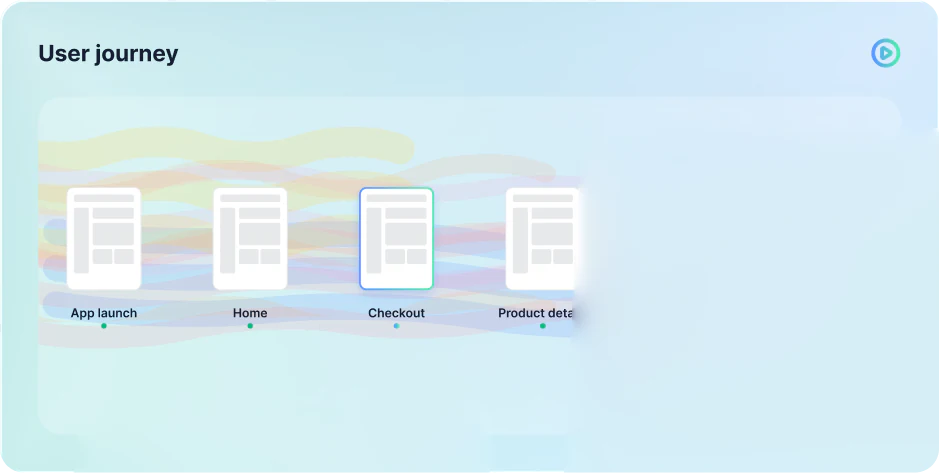
Know how users behave. See the most common paths, a single user’s flow, and how behavior differs by segment.

Product tour
Get complete context
See what users did right before and after visiting any screen in your app, so every step of the journey makes sense in context.
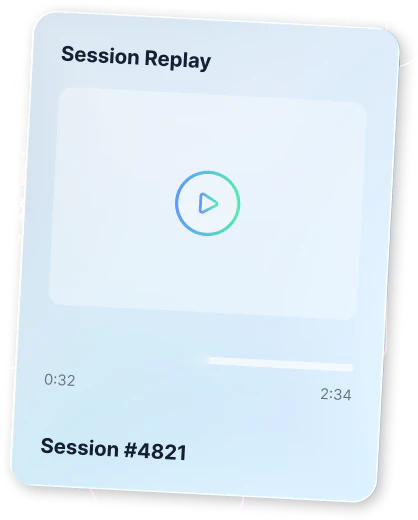
 See which screens users visited before and after any screenWatch the replay of any screen visit to see what really happenedFilter to the users who converted and see the route they took
User journey flows
Journey maps should come from real data, not guesswork, so UXCam creates yours for you.
Build on real sessions, not workshop guessesStart without tagging a single eventWatch new sessions roll in as they happen
User paths
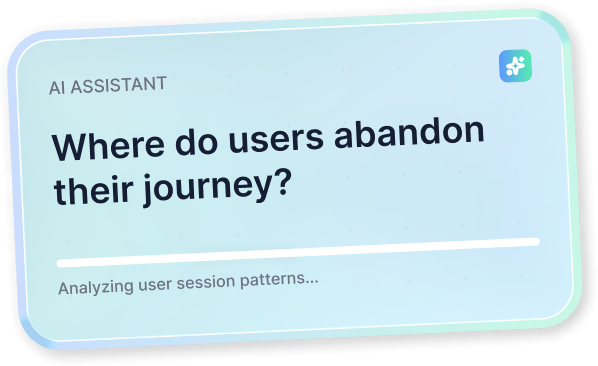
See where users exit your app, and what led up to it.
See which paths end in an exitFilter to the users who converted and the route they tookSee loops where users circle back to the same screen
Segmentation and properties
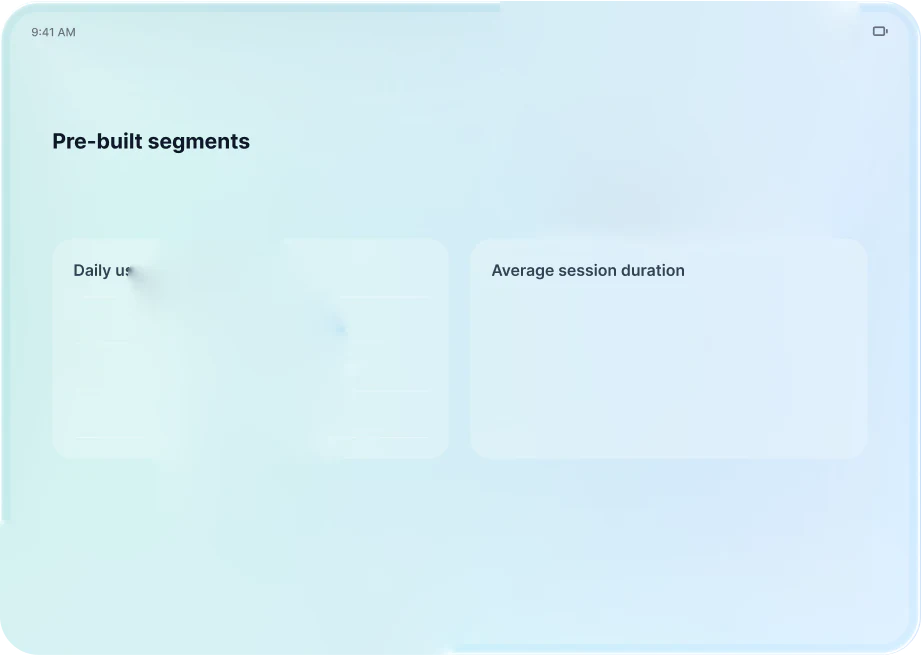
Filter your journey flows by segment and see how behavior changes.
See if iOS users take a different path than Android usersSwitch between new and returning usersSave a segment and reuse it across journeys
At UXCam, we built privacy into our services so you can improve the user experience with peace of mind. With our privacy features, you can blur and mask:
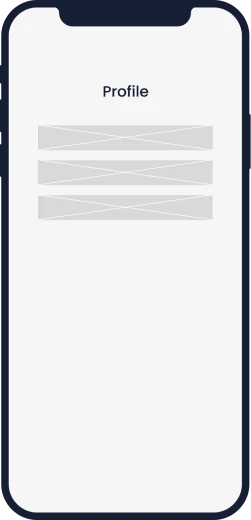
when you need to hide a specific section of your screen.
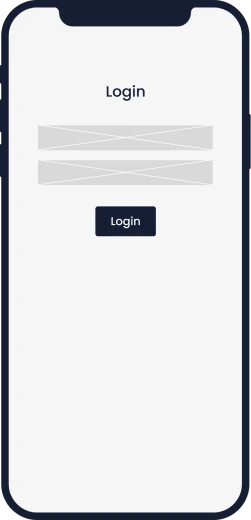
when you only collect PII data with text fields.

when you need to hide the whole screen.


We strictly adhere to a non-recording policy of any PII (Personally Identifiable Information) and provide API methods to hide PII and sensitive information.
Learn more about our privacy featuresMeet with an expert to discuss your app, website, and goals.
Start capturing data instantly.
Try all features before you commit on a plan.
“One frustration we have with other tools is that you see the numbers and that's it. With UXCam, you see the numbers and you can take it a step further and dive deep into the reasons.”

UXCam's lightweight SDK ensures smooth app performance. Video recordings are done on a background thread to maintain responsiveness. Data is uploaded when the app goes into the background.

Our legally compliant architecture keeps your data safe. We automatically block sensitive fields and provide you with the right tools to prevent sensitive data from ever leaving your user's device.

You can seamlessly integrate your existing analytics tools with UXCam. This allows you to build the perfect analytics stack for understanding user behavior by connecting the right set of solutions.





Academy

 9 lessons
 29min
29minLearn UXCam in short video lessons: your daily check-in, Tara, replays, heatmaps, dashboards, events and the UXCam MCP. Free, with a LinkedIn certificate.
![Cover · [Legacy] UXCam Fundamentals](https://images.ctfassets.net/vv1yxl437u7d/PJCXspieZROFBoQLSftnf/9331ba61a3629a9794ba667bf3477ff0/course-legacy-uxcam-fundamentals.jpg?q=80&fm=webp&w=532&h=299&fit=fill) 13 lessons42min
13 lessons42minThe previous UXCam Fundamentals course, recorded on the old UXCam dashboard. For the current UXCam, take the new Fundamentals course.
Book a demo with an expert. Explore all features.





