See every tap the customer made
Skip the screen-share. Watch the session and its behavior stream side by side, on app and web.

UXCam for support teams
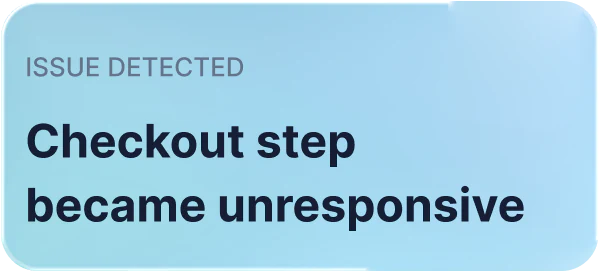
Stop asking customers for screenshots. Watch the session to see what they saw, and let Tara find the sessions behind each issue.

Trusted by brands worldwide














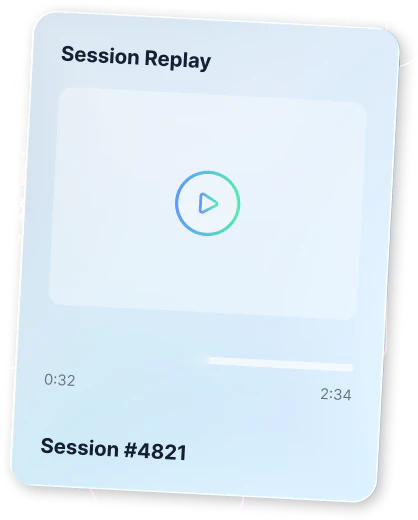
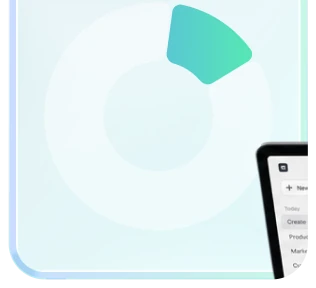
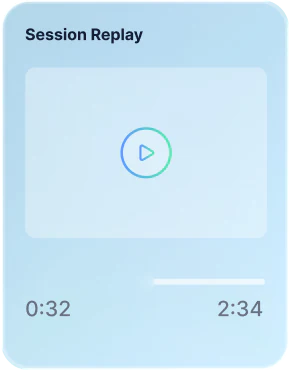
No more asking for screenshots. Replay the customer’s session and see every screen and tap.
Skip the search through recordings. Ask Tara for the sessions you need in plain language.
Don’t send engineers a vague ticket. Share the replay that shows exactly what went wrong.
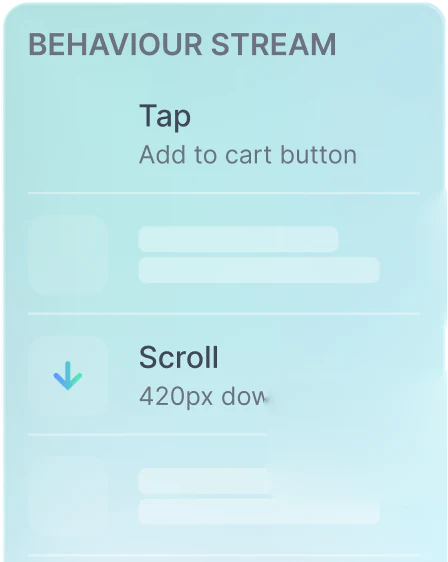
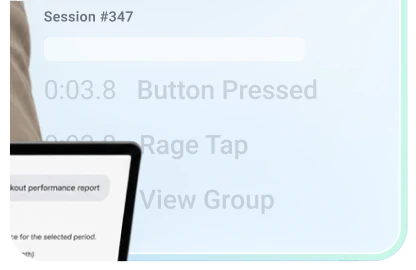
Skip the screen-share. Watch the session and its behavior stream side by side, on app and web.
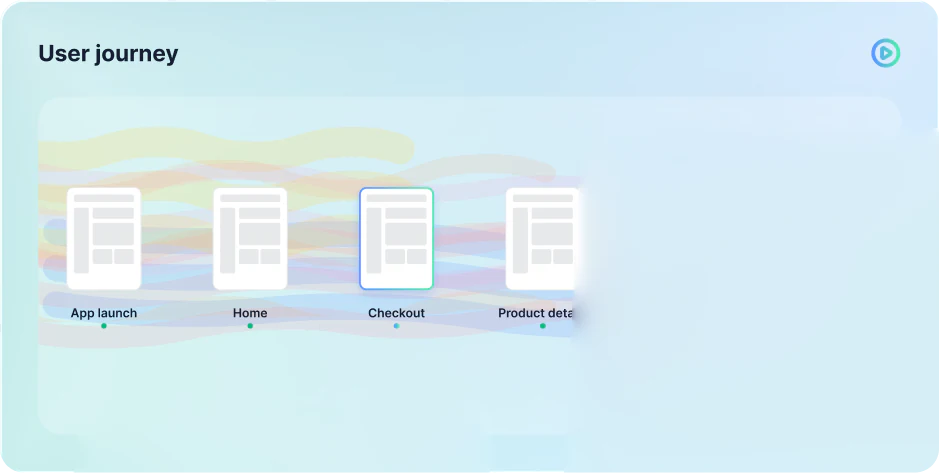
Don’t stop at the screen they reported. See where they came from and what they did next.

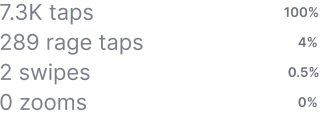
No more guessing which button fails. See rage taps on every screen, then open the sessions behind them.

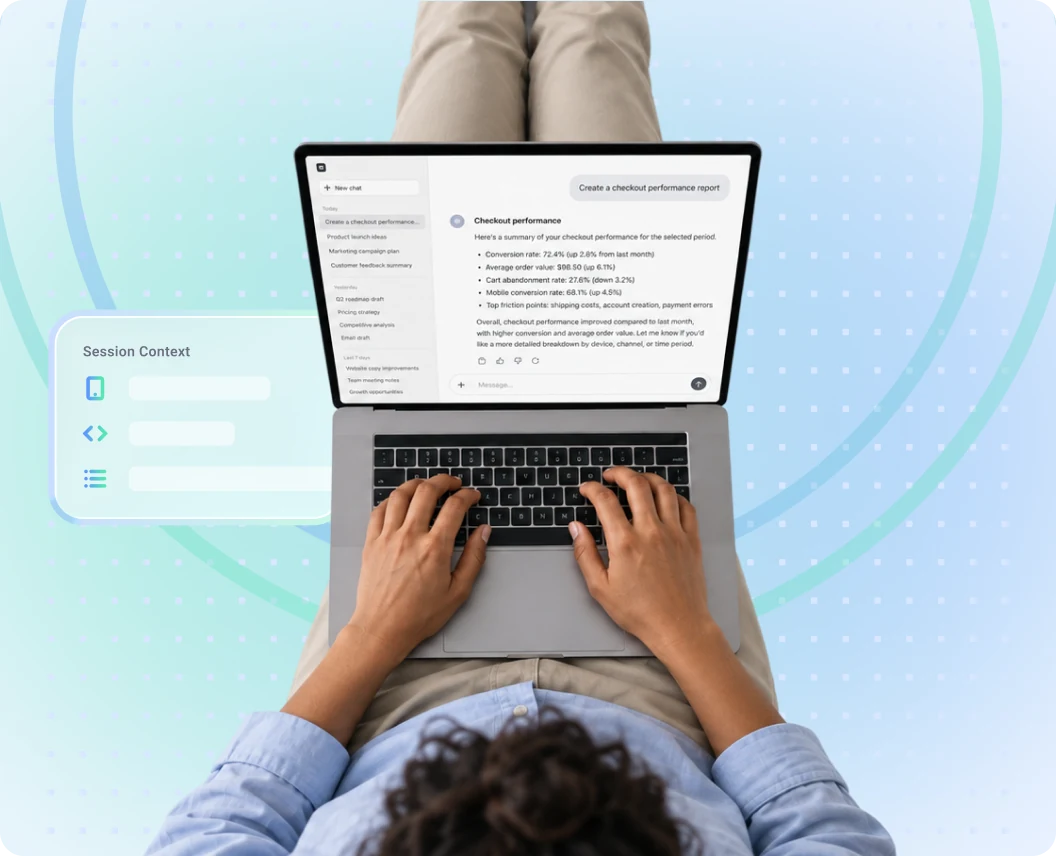
Skip the tab switching. Join UXCam with your CRM and support data in Claude or ChatGPT.
rage taps at Carrefour Banco
registrations at Costa Coffee
sales at PlaceMakers

2x
monthly active users at WGU
“What we found was both an “Aha!” moment and a “Doh” moment. Many users, using correct credentials were getting an error message that prevented them from logging into the app.”
 4.8/5
4.8/5 SOC 2 Type II
 GDPR & CCPA
Or trial UXCam for 14 days. No credit card required.
Replay the customer’s session to see what they saw, instead of asking for screenshots or steps. Tara finds the sessions behind an issue for you, so you can answer with proof.
Yes. If your app sends a user ID to UXCam, look the customer up and replay their sessions, with every screen and tap they saw.
Yes. Bring UXCam sessions into your support platform, so your agents can replay the sessions linked to each ticket.
See all integrationsMask fields, whole screens or everything by default. Masking runs in the SDK, so masked data never leaves the user’s device, and keystrokes are never recorded. UXCam is SOC 2 Type II audited and compliant with GDPR and CCPA.
Learn more about security and privacyAdd the UXCam SDK with one line of code and your data starts coming in. You can trial UXCam for 14 days with no credit card, or book a demo and we’ll walk your team through it.