See how people use your iOS app, whether it’s built with UIKit or SwiftUI. Replays, heatmaps and funnels from one SDK, with Tara, our AI product analyst, telling you what to fix first.
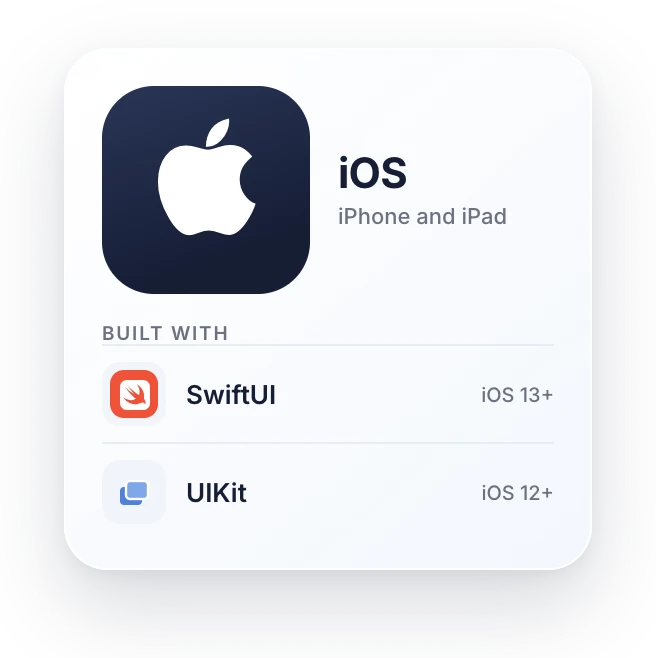
Add UXCam with Swift Package Manager or CocoaPods. UIKit apps run from iOS 12, and the UXCamSwiftUI package covers SwiftUI apps from iOS 13.
Screens named for you
View controllers are tagged automatically, and SwiftUI views take their names from navigationTitle or tabItem. Rename any screen in the dashboard.
Secure fields hidden by default
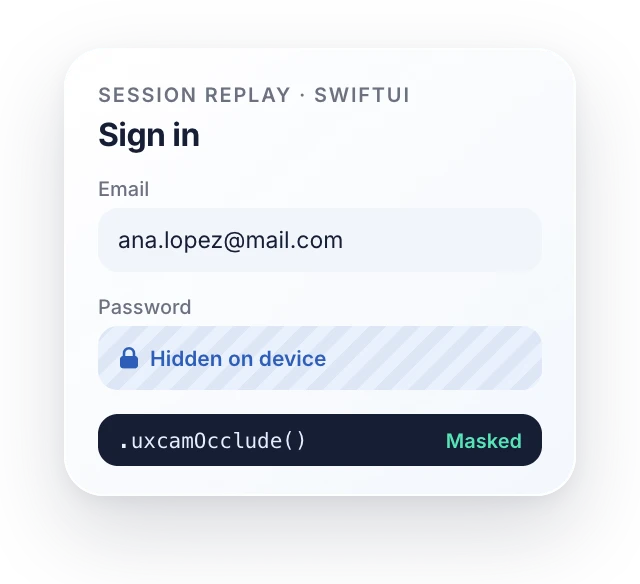
Password, card number and one-time code fields are masked on the device. Hide any other view with occludeSensitiveView, or a SwiftUI view with .uxcamOcclude().
A heatmap for every screen
Taps, rage taps and scrolls are grouped by screen, so every screen gets its own heatmap. Compare two app versions side by side.
Crashes, hangs and freezes
Crashes, app hangs and UI freezes are caught automatically, with no extra code. Each one links to the replay of what led to it.
Privacy manifest included
The SDK ships with a privacy manifest that declares what it captures. Users can opt out with one call, and WebViews can be masked too.
UXCam MCP
Ask your AI assistant
about your iOS app
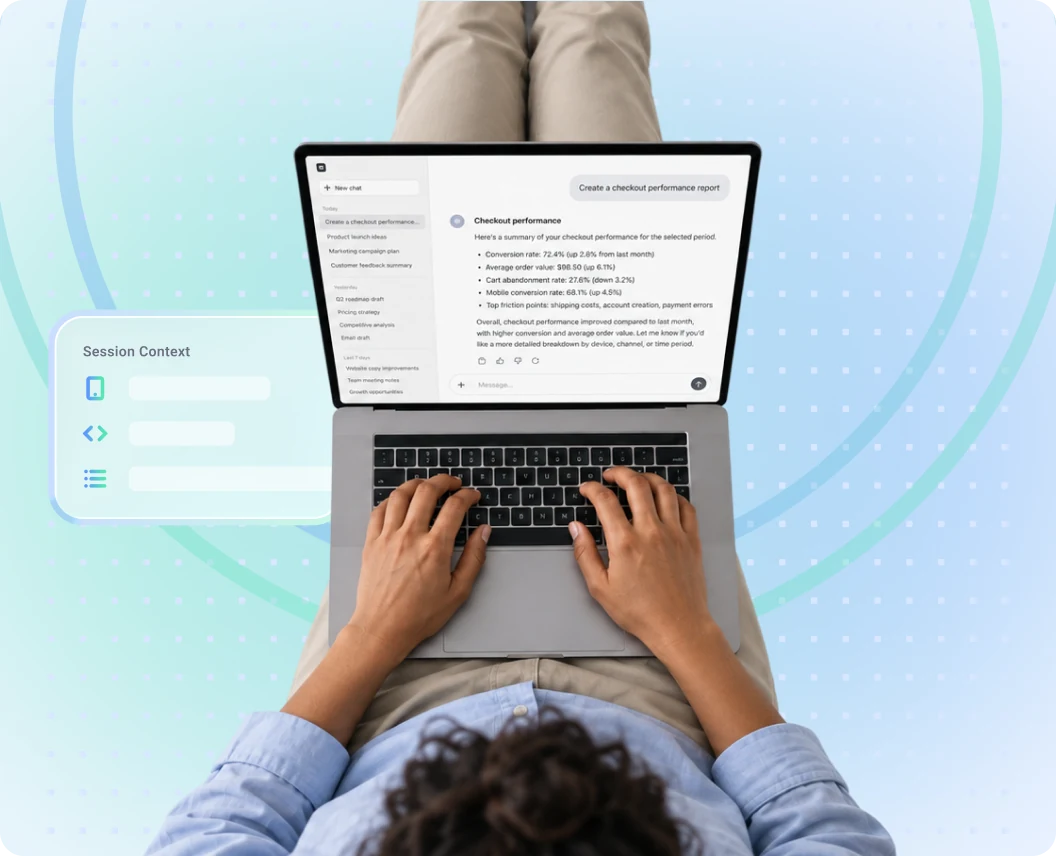
Skip the dashboard digging. Connect UXCam to Claude, ChatGPT or Cursor and ask in plain words, like “Why do new users leave onboarding on step two?”. Answers come from your sessions, funnels and screens.
Ask why users drop off and get answers from your UXCam data
Turn any analysis into a report or a slide deck
Combine UXCam with your CRM, billing and support data
Everything your team needs to understand an iOS app, from one SDK, UIKit and SwiftUI included.
Session replay for UIKit and SwiftUIWatch every session the way your users saw it.
Heatmaps on every screenSee taps, rage taps and scrolls inside the app.
Funnels, retention and user journeysFind the step where people leave, and who comes back.
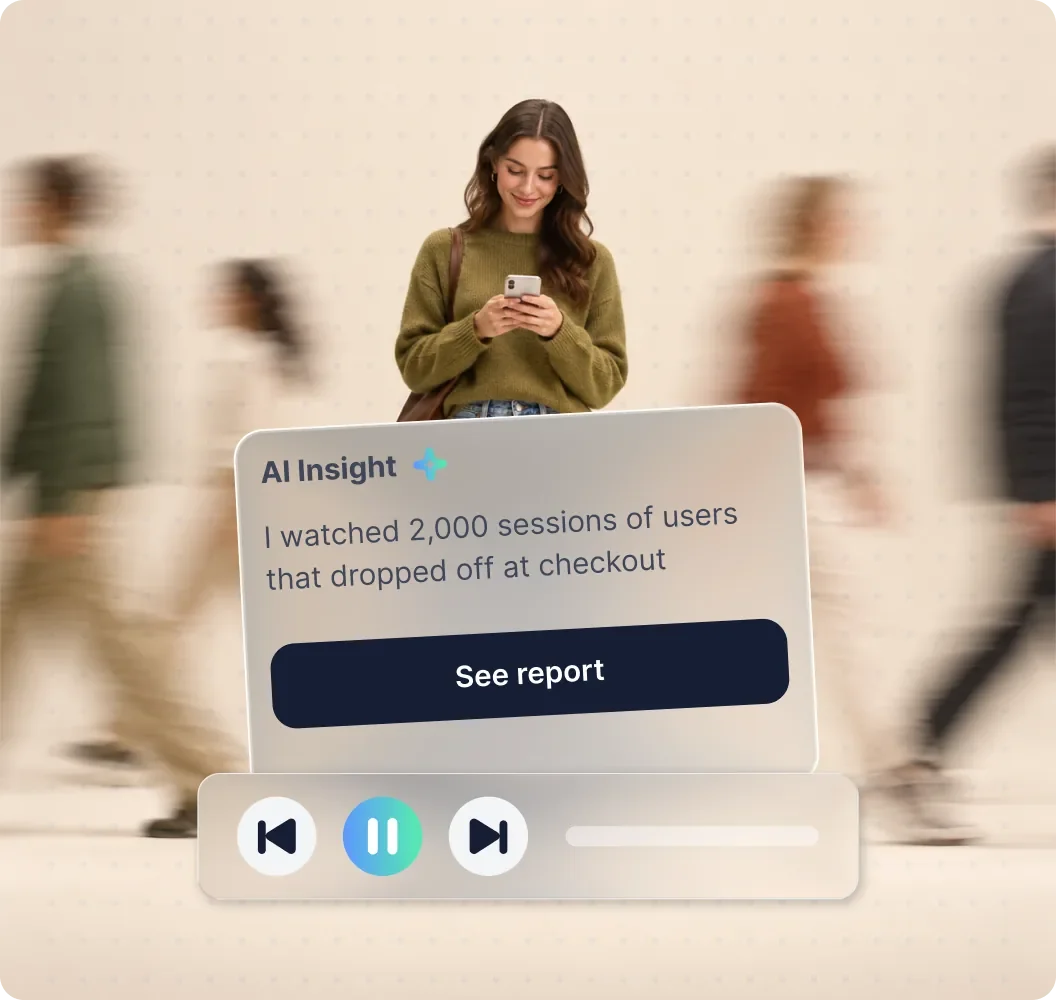
Tara, our AI product analystShe watches your sessions and explains why users drop off.
Masking that runs on the deviceSecure fields hidden by default, any view on request.
Priced by sessionsOne price covers the whole product, replay to Tara.
Sales ended in May 2026, and all data is deleted on 30 September 2027.
iOS replays are wireframes unless you turn on screenshot mode, which SwiftUI needs and its docs warn may capture sensitive information.
Heatmaps work on websites only, not inside your iOS app.
Heatmaps work on web replays only, and iOS replay records nothing until you raise the sample rate.
Its iOS docs say SwiftUI Text is replaced by a black rectangle in session replay.
Mobile heatmaps are click and conversion maps only, with no scroll maps, and mobile needs a paid add-on.
From each vendor’s own documentation, November 2026.
For engineers
Live in your iOS appin minutes
Add the package, start UXCam with your app key and ship. View controllers are named for you, and secure fields are hidden by default. Rather not write it yourself? The UXCam MCP sets it up from your AI editor.
Works withiOS 12+SwiftUI on iOS 13+Swift Package ManagerCocoaPods
Yes. The UXCam SDK records native iOS apps built with UIKit from iOS 12, and the UXCamSwiftUI package covers SwiftUI apps from iOS 13. Install either one with Swift Package Manager or CocoaPods.
Costa Coffee and KINTO Join run UXCam in their native iOS apps. Costa Coffee found the exact reasons users dropped off at sign-up and increased registrations by 15%.
Do I have to tag every screen?
No. UXCam names UIKit view controllers on its own, and SwiftUI views take their names from navigationTitle or tabItem. Rename any screen in the dashboard, or tag one in code when you want a different name.
Are passwords and card numbers hidden automatically?
Yes. In UIKit, text fields set to password, credit card number, new password or one-time code are hidden by default. Hide any other view with occludeSensitiveView, a SwiftUI view with .uxcamOcclude(), or whole screens from the dashboard.
Yes. Crashes, app hangs and UI freezes are recorded automatically, and each one links to the session replay of what led to it.
What about App Store privacy?
The SDK ships with a privacy manifest that declares what it captures, as Apple requires. Users can opt out at any time with optOutOverall, and masking runs on the device.
Can I use Hotjar on an iOS app?
Not anymore. Hotjar is now part of Contentsquare, and new Hotjar accounts can’t be created. Hotjar never supported mobile apps either. UXCam gives you session replay and heatmaps inside your iOS app.
Will UXCam slow down my iOS app?
UXCam uploads sessions when the app goes to the background, so uploads stay out of your users’ way. You can also pause recording on any screen you don’t need.
How do we get started?
Add the UXCam SDK with one line of code and your data starts coming in. You can trial UXCam for 14 days with no credit card, or book a demo and we’ll walk your team through it. You can also ask Cursor, Claude Code or Windsurf to install the iOS SDK with the UXCam MCP.
4.8/5
SOC 2 Type II
GDPR & CCPA
See your iOS appthrough your users’ eyes.
Or trial UXCam for 14 days. No credit card required.
















 4.8/5
 SOC 2 Type II
 GDPR & CCPA